Lecture 14 — Introduction to CSS
Lecture 14 — Introduction to CSS⌗
Instructor: Laksh Budhrani
Objectives⌗
By the end of this lesson, you will be able to:
- Explain why CSS is used in web pages.
- Identify the parts of a CSS rule: selector, property, and value.
- Use
background-color,font-family,color, andfont-sizeto style a webpage.
Objective 1 — Why Do We Need CSS?⌗
HTML creates the structure and content of a webpage. CSS controls how that content looks.
Without CSS, a webpage mostly displays using the browser’s default styles. CSS lets us change colors, fonts, text sizes, and the overall appearance of a webpage.
- HTML: What appears on the webpage.
- CSS: How the webpage looks.
Objective 2 — Basic CSS Syntax⌗
CSS rules are made up of a selector followed by a declaration block.
h1 {
    color: blue;
    font-size: 36px;
}
| Part | Meaning | Example |
|---|---|---|
| Selector | Chooses which HTML element to style | h1 |
| Property | Chooses what you want to change | color |
| Value | Chooses how that property should look | blue |
| Declaration | A property and its value | color: blue; |
Remember:
- Write the selector first.
- Put declarations inside
{ }. - Separate each property and value with a colon (
:). - End each declaration with a semicolon (
;).
Where Do We Write CSS?⌗
For now, we will write CSS inside the <style> tag in the <head> section of our HTML file.
<head>
    <title>My Website</title>

    <style>
        h1 {
            color: blue;
        }
    </style>
</head>
Objective 3 — Basic CSS Properties⌗
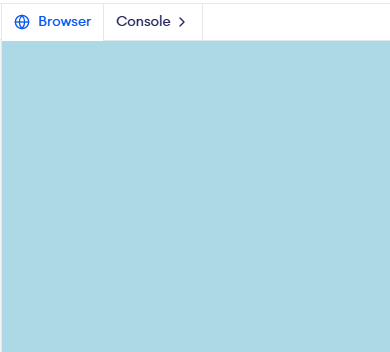
a) background-color⌗
What it does: Changes the background color of an HTML element.
Basic Values: red, blue, orange, yellow, lightblue, black, white, etc.
Example:
body {
    background-color: lightblue;
}
b) font-family⌗
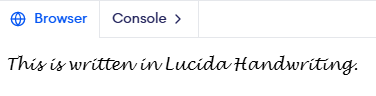
What it does: Changes the font (typeface) used for text.
Basic Values: Arial, Verdana, Georgia, Times New Roman, Courier New, etc.
Example:
body {
    font-family: Lucida Handwriting;
}
c) color⌗
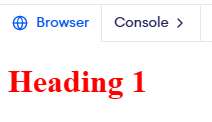
What it does: Changes the color of the text.
Basic Values: red, blue, green, orange, purple, black, etc.
Example:
h1 {
    color: red;
}
d) font-size⌗
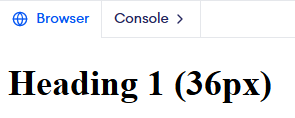
What it does: Changes the size of the text.
Basic Values: 16px, 20px, 24px, 30px, 36px, etc.
Example:
h1 {
    font-size: 36px;
}
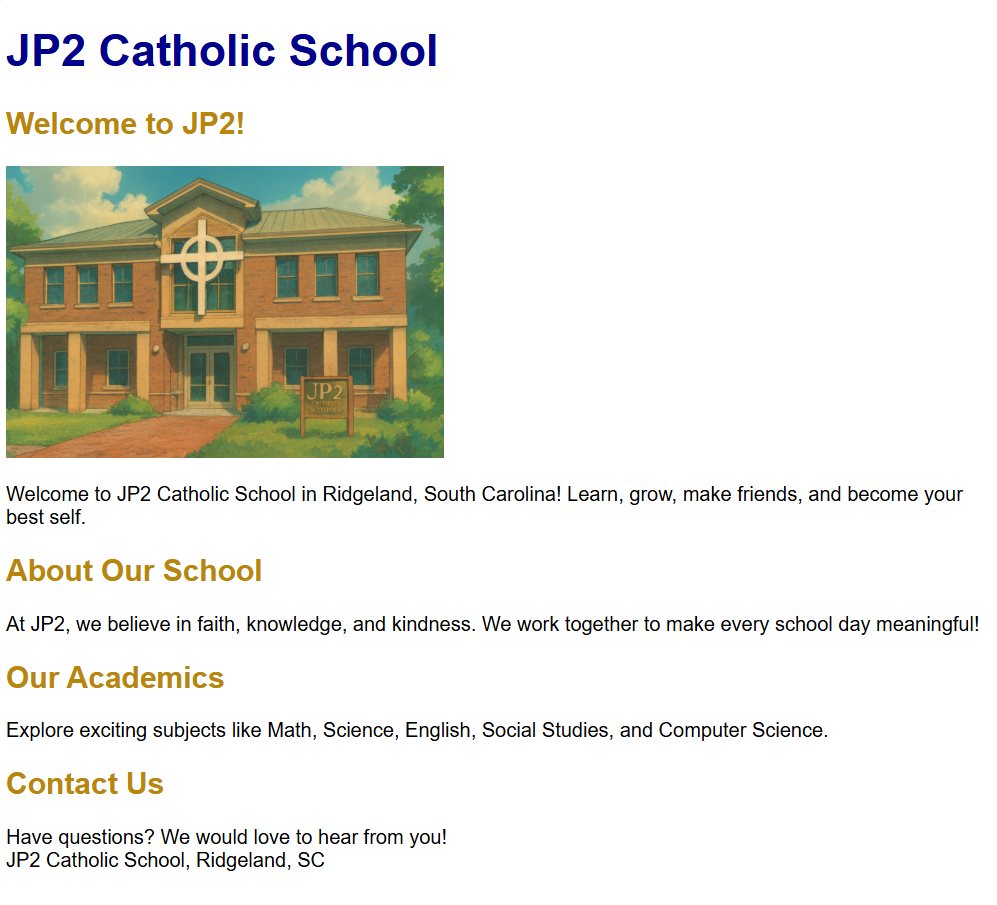
Guided Activity — John Paul II Catholic School Website⌗
The Story⌗
Sahil has to create a website for his Web Design course. He decides to build a website for John Paul II Catholic School, his favorite school!
Let’s help him style the website using CSS.
HTML Starter Template⌗
Create a file named jp2_website.html.
<!DOCTYPE html>
<html>

<head>
    <title>John Paul II Catholic School</title>
</head>

<body>

</body>

</html>
Your Task⌗
Create a simple school website containing:
- Main heading — John Paul II Catholic School
- A short welcome message.
- An About Our School section.
- An Our Mission section.
Use the four CSS properties learned today to style the website.
Independent Activity — Create Your Favorite Website!⌗
Now it’s your turn! Choose one person, character, singer, band, movie, TV series, or sports team you like.
Important: Your choice must be different from everyone else’s in the class!
HTML Starter Template⌗
Create a file named favorite_website.html.
<!DOCTYPE html>
<html>

<head>
    <title>My Favorite</title>
</head>

<body>

</body>

</html>
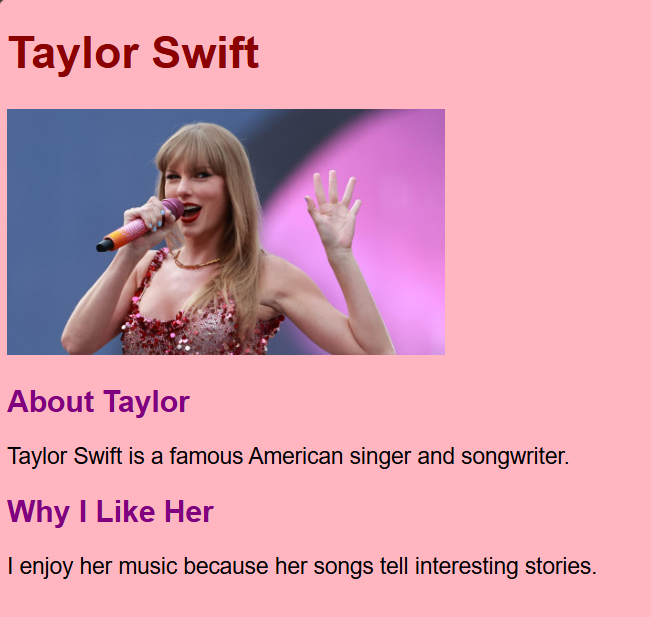
Your Task⌗
Create a simple website about your chosen person or topic.
Your website must include:
- A main heading with the name of your choice.
- At least two subheadings.
- Short paragraphs with relevant information.
- All four CSS properties learned today.
Be creative with your colors and fonts!
Summary: CSS Properties Learned Today⌗
| Property | What It Does |
|---|---|
background-color | Changes the background color |
font-family | Changes the font |
color | Changes the text color |
font-size | Changes the text size |