Lecture 15— Text Styling in CSS
Lecture 15 — Text Styling in CSS⌗
Instructor: Laksh Budhrani
Objectives⌗
By the end of this lesson, you will be able to:
- Use
text-alignto align text on a webpage. - Use
text-decorationto add or remove decorations from text. - Combine CSS properties to create a well-styled webpage.
Quick Recall: Lecture 14 Review⌗
Before we begin, let’s quickly recall the four CSS properties we learned in our previous class!
| Property | What It Does |
|---|---|
background-color | Changes the background color |
font-family | Changes the font |
color | Changes the text color |
font-size | Changes the text size |
Objective 1 — Text Alignment (text-align)⌗
What it does: Controls the horizontal alignment of text inside an HTML element.
Basic Values:
left— Aligns text to the left.center— Aligns text to the center.right— Aligns text to the right.justify— Aligns text evenly along both left and right sides.
Example:
h1 {
    text-align: center;
}

Objective 2 — Text Decoration (text-decoration)⌗
What it does: Adds or removes decorative lines from text.
Basic Values:
underline— Adds a line below the text.overline— Adds a line above the text.line-through— Draws a line through the text.none— Removes text decoration.
Example:
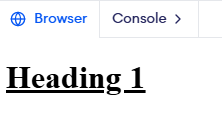
h1 {
    text-decoration: underline;
}
Guided Activity — SHIELD Values of JP2⌗
The Story⌗
Sahil’s John Paul II Catholic School website is coming along nicely! Now, he wants to highlight the school’s six core values, known as SHIELD.
Let’s help him organize and style these values using our new CSS properties!
HTML Starter Template⌗
Open your existing jp2_website.html file.
<!DOCTYPE html>
<html>

<head>
    <title>JP2 Shield Values</title>
</head>

<body>

</body>

</html>
Your Task⌗
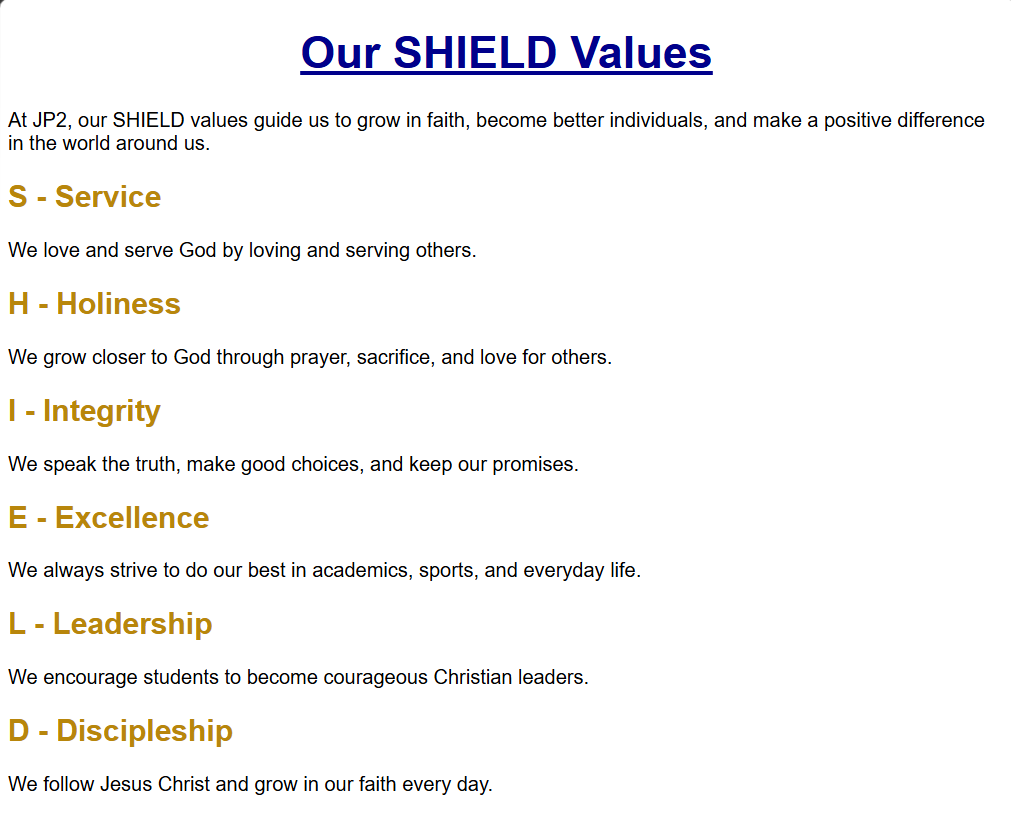
Create a new section titled Our SHIELD Values and include all six school values:
- S — Service: Love and serve God by loving and serving others.
- H — Holiness: Grow closer to God through prayer, sacrifice, and love.
- I — Integrity: Speak the truth, make good choices, and keep promises.
- E — Excellence: Always strive to do your best.
- L — Leadership: Become courageous Christian leaders.
- D — Discipleship: Follow Jesus Christ and grow in faith.
Use the CSS properties learned in Lecture 1 and today’s class to style your webpage.
Independent Activity — Expand Your Favorite Website!⌗
Now it’s your turn! Open your existing favorite_website.html file from the previous class.
Let’s add some more information about your chosen person, character, singer, band, movie, or TV series.
Your Task⌗
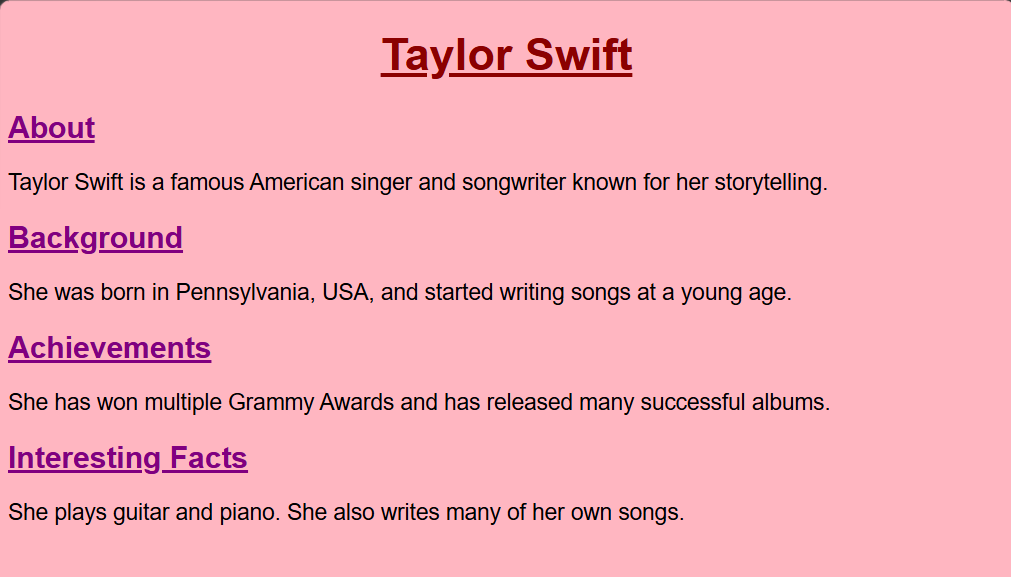
Expand your existing website by adding the following sections:
- About: Write a short introduction about your chosen person or topic.
- Background: Include some basic information about them (e.g., birthplace, early life, or origin).
- Achievements: Mention at least two achievements, popular works, or important milestones.
- Interesting Facts: Include at least two interesting facts.
Use the CSS properties learned in Lectures 1 and 2 to style your webpage.
CSS Requirements:
- Use
text-alignat least twice. - Use
text-decorationat least twice. - Use at least two CSS properties from Lecture 1.
Summary: CSS Properties Learned Today⌗
| Property | What It Does | Basic Values |
|---|---|---|
text-align | Aligns text horizontally | left, center, right, justify |
text-decoration | Adds or removes decorative lines | underline, overline, line-through, none |